Binary to Seven Segment Example
The "bin2SevenSeg" dataset. A 7 segment display is made of seven different illuminating segments. These are arranged in a way to form numbers and characters by displaying different combinations of segments. The binary information is displayed using these seven segments.
•Know More about Iris dataset
We are going to use this dataset. API for this dataset can be used in Embedded Systems.

Binary to Seven Segment Dataset
The dataset contains 10 combinations of binary numbers, each of them points to the specific Digit on Seven Segment Display.
Modifications in dataset for CavyAI
With CavyAI android application the ANN is taught to look for Numeric Input and result Output in binary format. In short for creating ANN with the use of this application you must have numeric Input Field and Output must be Binary. Therefore you have to convert the output Species field to binary format. This is very easy and you can do by simply by changing headers and records as below.
| NUMBER | a | b | c | d | e | f | g | D3 | D2 | D1 | D0 |
|---|---|---|---|---|---|---|---|---|---|---|---|
| 0 | 1 | 1 | 1 | 1 | 1 | 1 | 0 | 0 | 0 | 0 | 0 |
| 1 | a | b | c | d | e | f | g | D3 | D2 | D1 | D0 |
| 2 | a | b | c | d | e | f | g | D3 | D2 | D1 | D0 |
| 3 | a | b | c | d | e | f | g | D3 | D2 | D1 | D0 |
| 4 | a | b | c | d | e | f | g | D3 | D2 | D1 | D0 |
| 5 | a | b | c | d | e | f | g | D3 | D2 | D1 | D0 |
| 6 | a | b | c | d | e | f | g | D3 | D2 | D1 | D0 |
| 7 | a | b | c | d | e | f | g | D3 | D2 | D1 | D0 |
| 8 | 1 | 1 | 1 | 1 | 1 | 1 | 1 | 1 | 0 | 0 | 0 |
| 9 | a | b | c | d | e | f | g | 1 | 0 | 0 | 1 |
Build ANN Model with CavyAI (Step-By-Step)
- Download the Iris Dataset
- Open CavyAI Android application
- Go to Create ANN
- Click on
Select CSV File and browse for downloaded iris.csv file

- After file selection Verify and Click on
Next button to proceed for theI/O Field Selection Menu
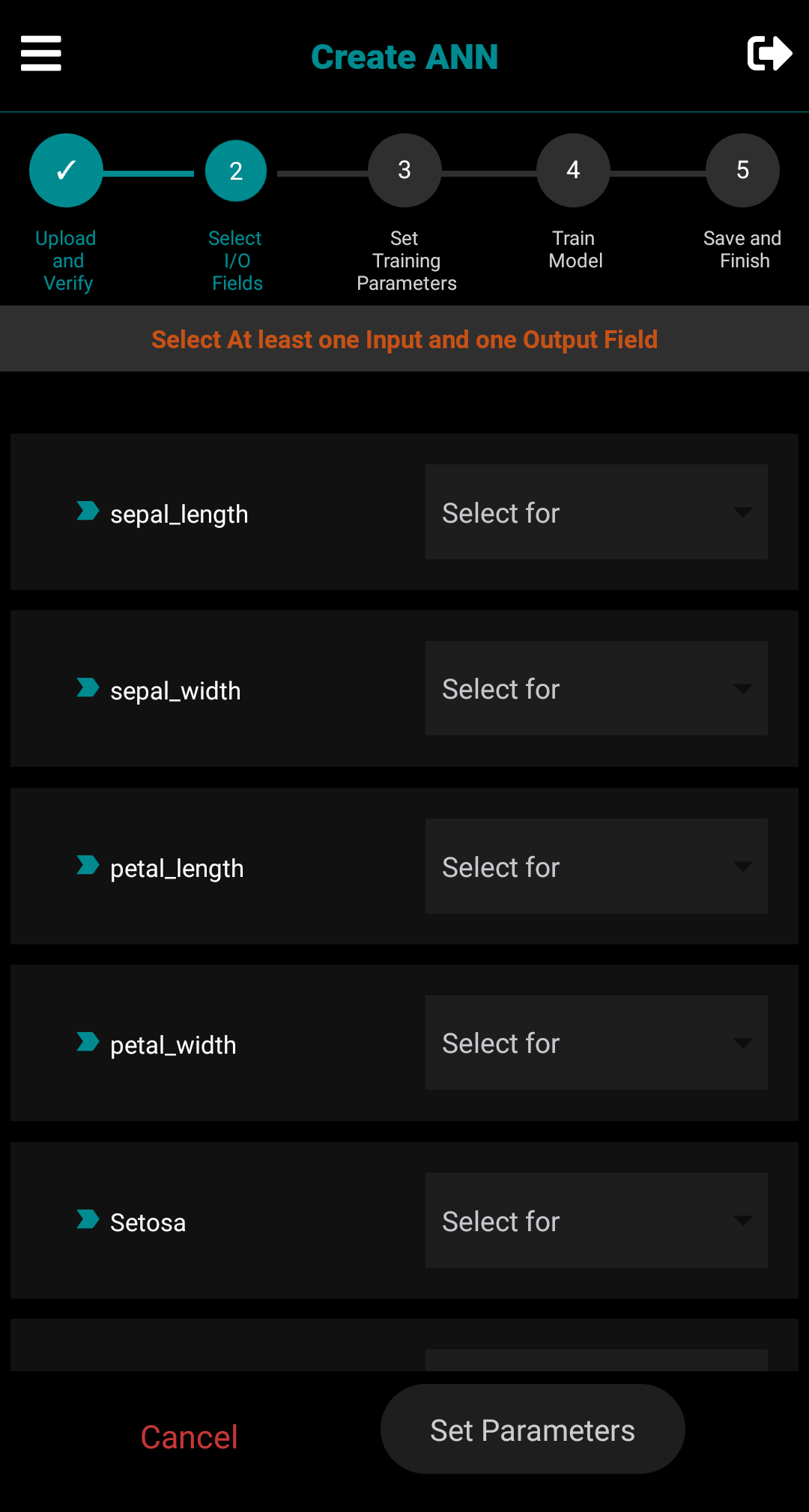
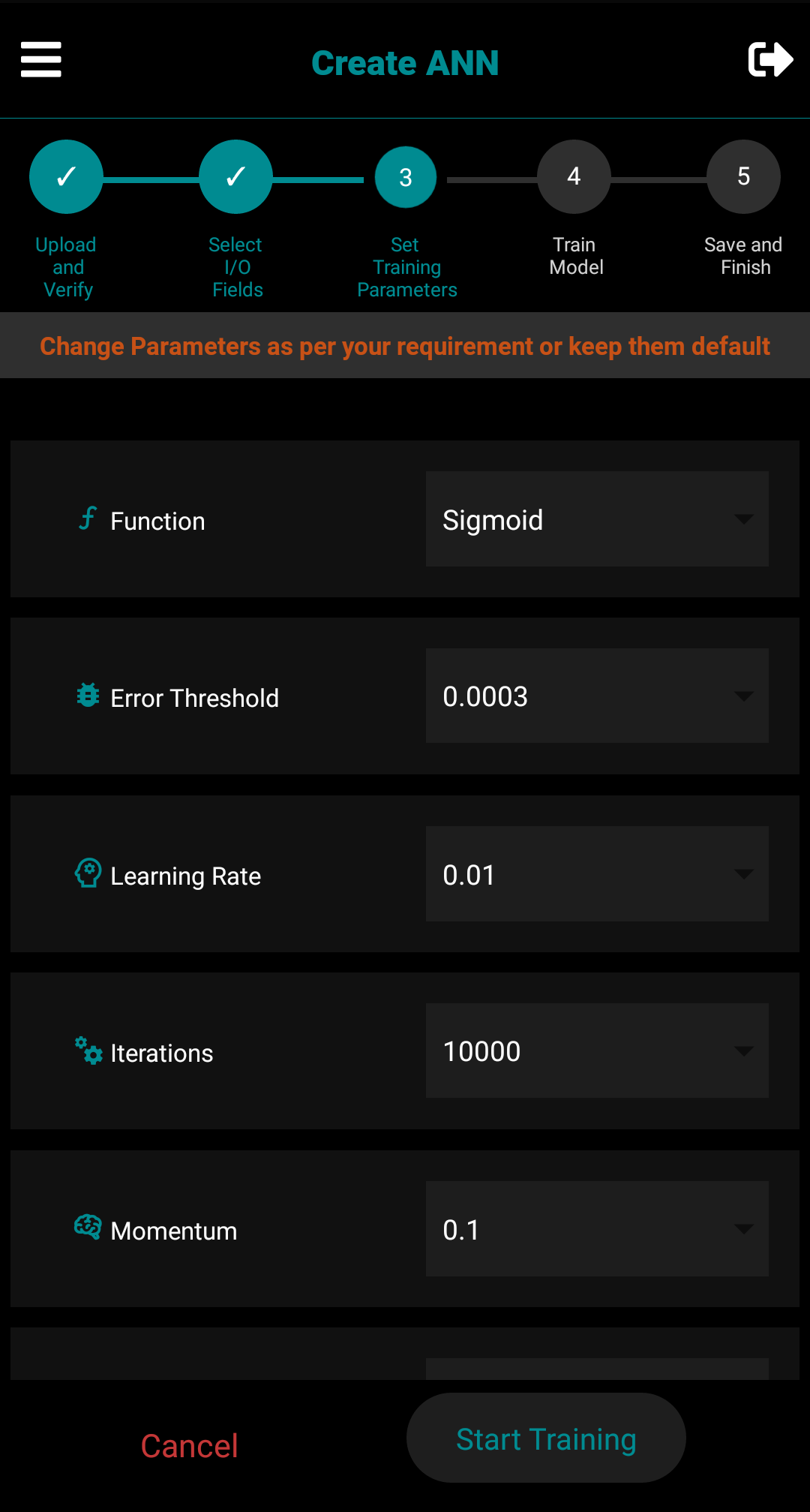
- After I/O field selection
Set Training Parameters and click onStart Training button to proceed for the building ANN Model
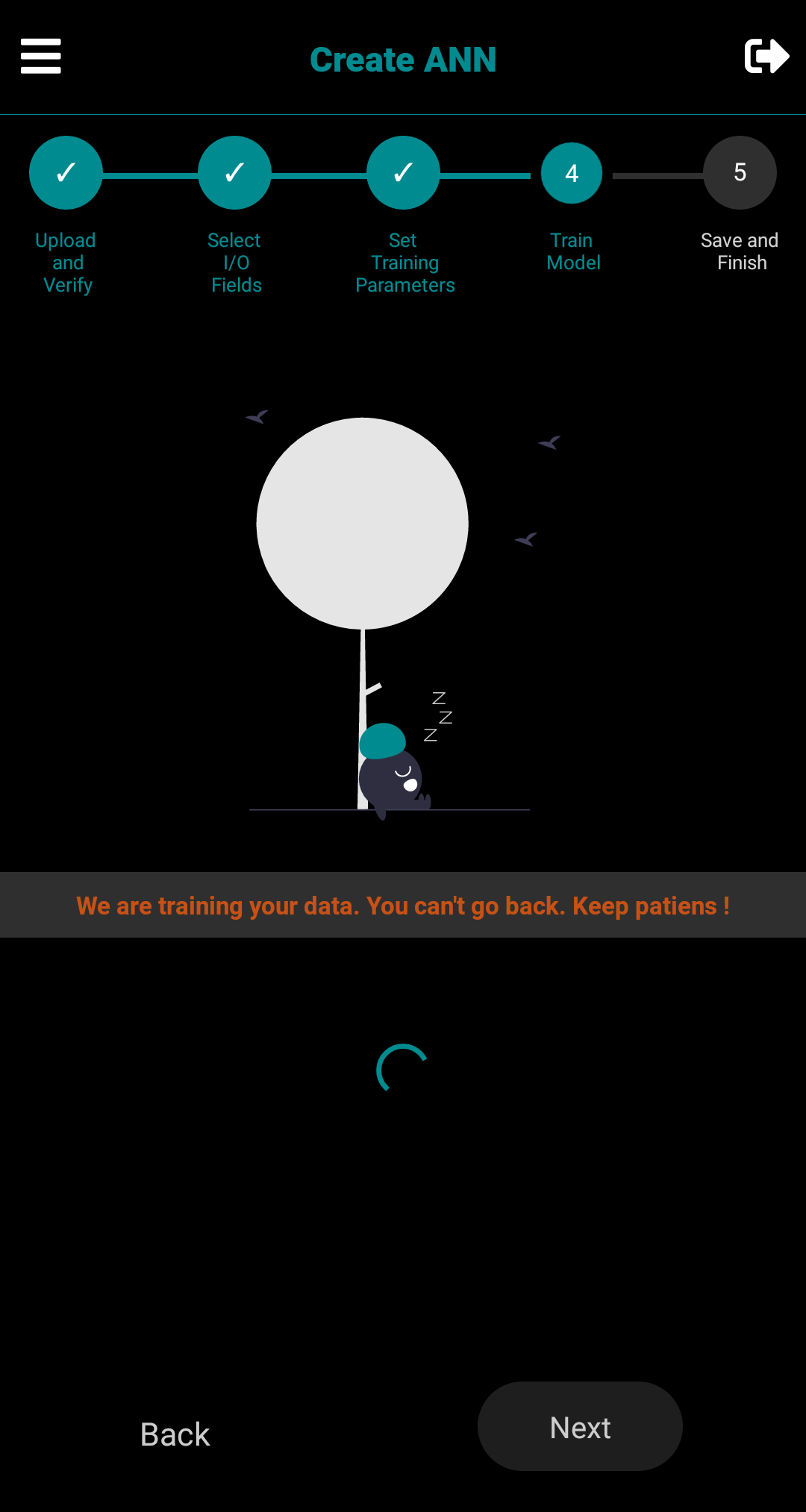
- While Training ANN Model, CavyAI will freeze for a while and you can't navigate to other in-app screen.
Keep Patience !
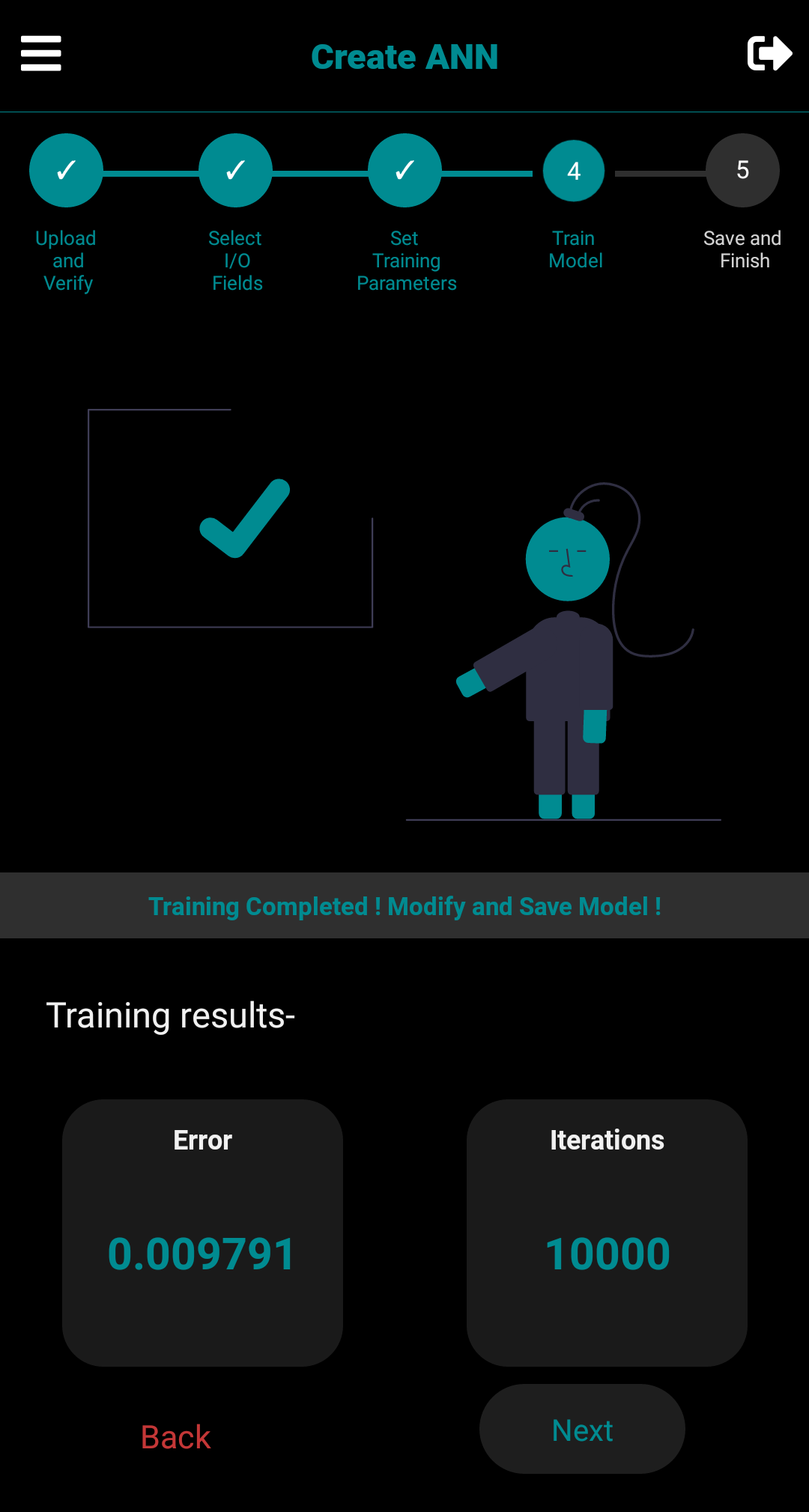
- Congratulations ! You just created your own ANN Model. Check for the desired error and proceed to Save the Model-
- Enter the Model Name and Short Note for your reference- then Click on
Save Model
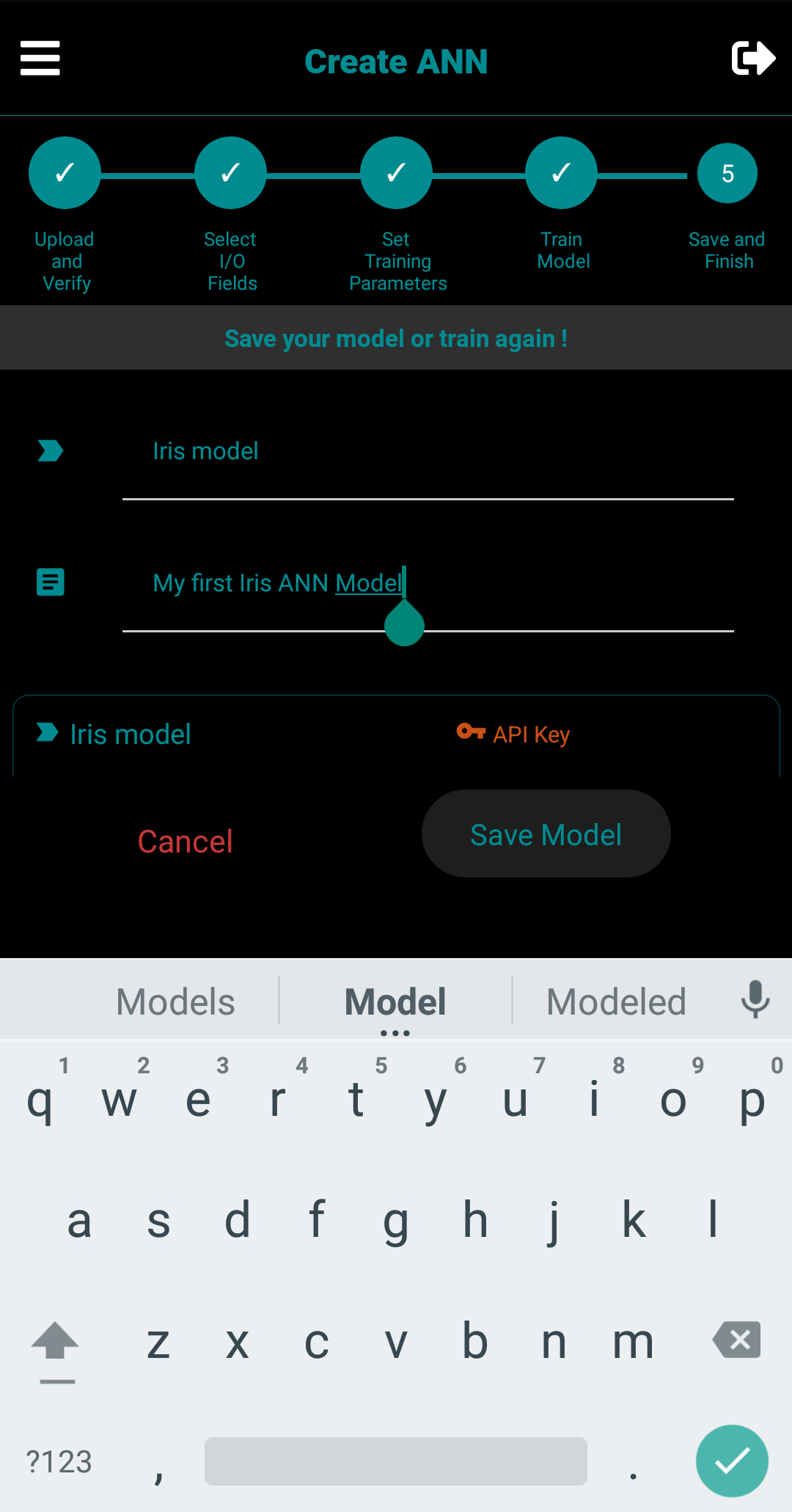
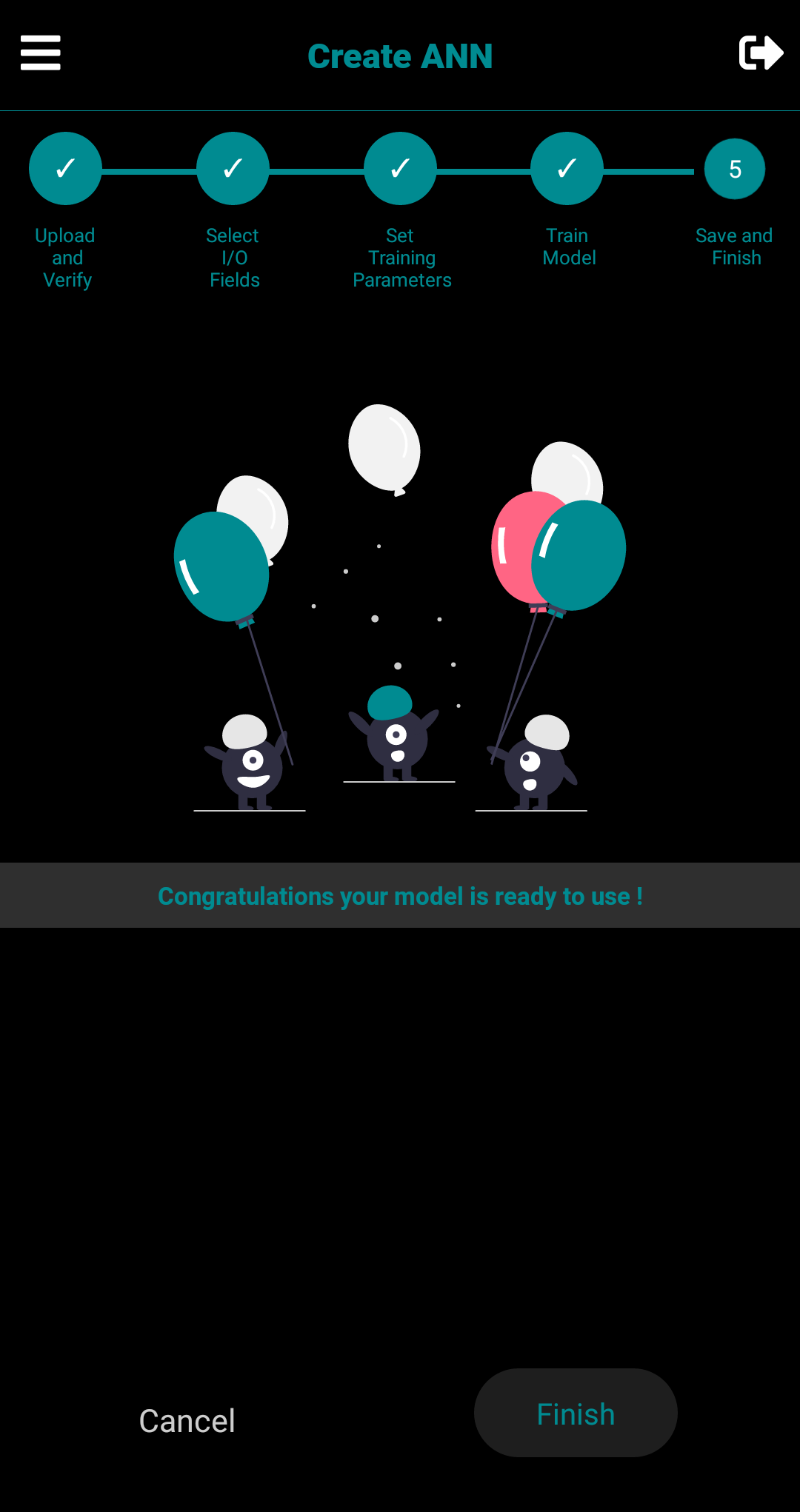
- Congratulations ! Your ANN Model is now ready to use with CavyAI and RESTful API's, Click on
Finish to Create New ANN Model